Plan a batch

How it works

From the shelf to your folders

A batch is one lot of paper you want turned into files. List what you have: boxes, AZ binders, folders, bound books, envelopes, plans or photos, each with the kind of document and the years it covers.

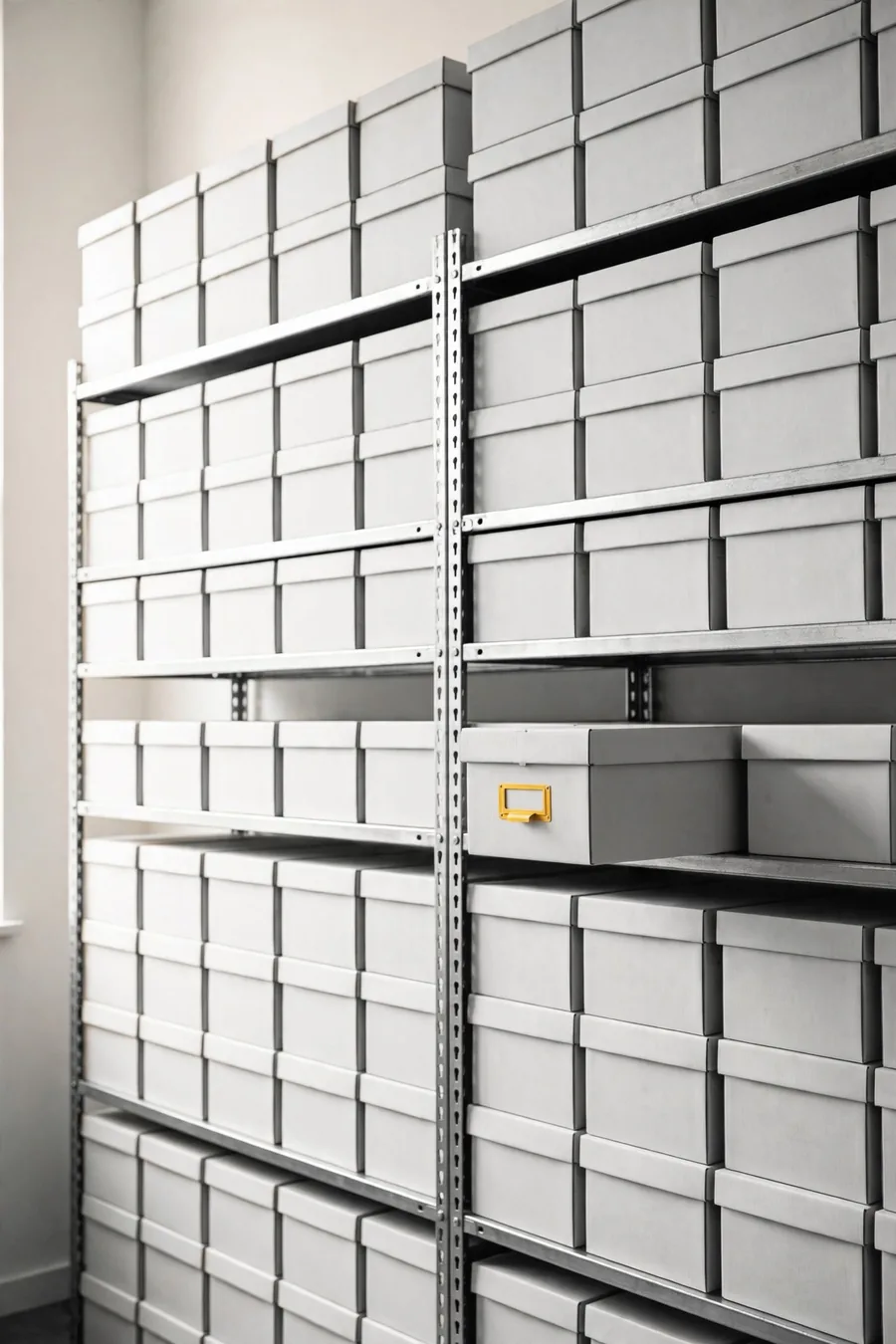
A wall of archive boxes on shelving
  1. 01

    List the paper

    Boxes, binders, folders and books, with the kind of document and the years. Measure each stack in centimetres.

  2. 02

    Mark its state

    Staples, thermal receipts, humidity, torn pages, bound books and large sheets.

  3. 03

    Choose the result

    PDF or searchable PDF, colour, resolution, file names, folders and the data to type.

  4. 04

    Send the batch

    Pick a date, then email or share the batch. ZYBERIQ replies with the price and the dates.

  1. Your premisesUnits labelled
  2. ScanningThermal receipts first
  3. TypingFields you chose
  4. Your filesChecked and delivered

A worked example

Four boxes of stapled invoices

Each box holds 20 cm of paper printed on one side. The customer wants a searchable PDF and three fields typed from each invoice: number, date and total.

21 working days

If confirmed on Tue 13 Oct 2026, the files would be ready around Thu 12 Nov 2026, counting Monday to Friday without Colombian public holidays. ZYBERIQ confirms the dates and the price.

The volumes
StepHowResult
Sheets4 boxes × 20 cm × 100 sheets per cm8.000
ImagesOne side, so one image per sheet8.000
Index data8.000 invoices × 3 fields24.000
The working days
StageDays
Collect1 working day
Prepare (staples double the work)4 working days
Scan on the sheet feeder3 working days
Type the index data12 working days
Final check1 working day

How a batch works

A batch is one lot of paper you want turned into files. List what you have: boxes, AZ binders, folders, bound books, envelopes, plans or photos, each with the kind of document and the years it covers.

Measure the paper instead of counting it: about 100 sheets of ordinary 75 g paper make one centimetre. The app turns centimetres into sheets, sheets into scanned images and documents into fields to type.

Mark the state of the paper, choose the files you want and, if you need it, the data to type from each document. Then send the batch to ZYBERIQ. It is a request, not a contract: ZYBERIQ confirms what it can do, the dates and the price before anything is collected.

Plan your batch

List the paper, mark its state and send the batch to ZYBERIQ. It is a request, not an order.